

Smart home design is a system where connected devices share data and coordinate actions through a central hub or platform, not a loose collection of gadgets that each need their own app.
The design breaks down when devices use incompatible protocols—Wi-Fi cameras won’t talk to Zigbee sensors without a hub that translates between them, and automation stops working the moment that translation layer fails.
Planning around shared standards like Matter or choosing hubs that support multiple protocols at once, the way EVVR does with Zigbee and Wi-Fi, keeps the system from fracturing as you add devices.
What Smart Home Design Means
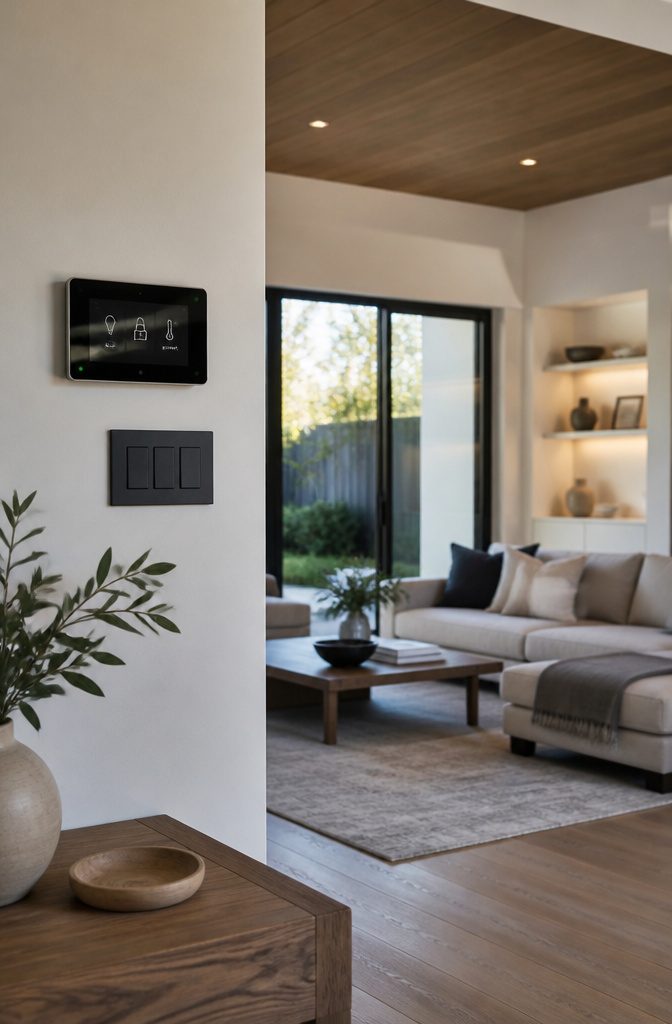
A smart home is a connected system where devices share data and work together, not a collection of gadgets each living in its own app.
The thermostat talks to the motion sensor, the lights respond to the lock, and you control all of it from one place instead of jumping between six different interfaces.
That shared communication happens over your home network, and the devices that make it possible are part of the Internet of Things—IoT for short.
Internet-connected systems are managed through apps on your phone, a central hub that ties everything together, or voice assistants like Alexa or Google Assistant.
The hub option matters most when you mix brands: it translates between devices that would otherwise ignore each other.
Without that layer, you end up with smart devices that do not actually work as a system, and the automation falls apart.
Devices and Sensors
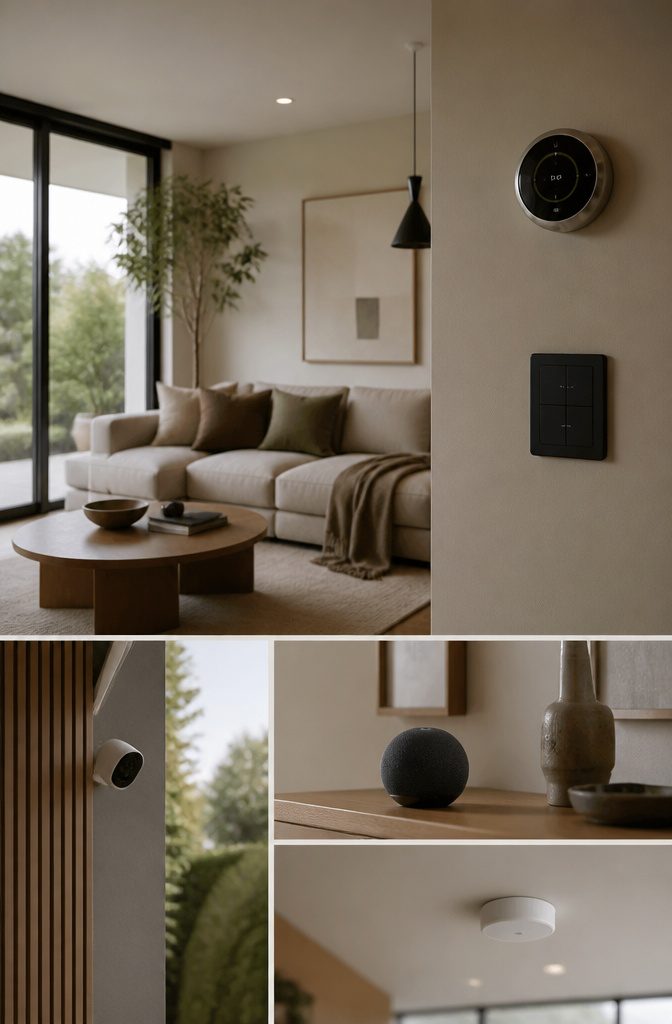
The physical layer of a smart home starts with lighting that responds to your schedule or presence. Bulbs from Philips Hue or Syska connect to your network and dim, change color temperature, or switch off when you leave a room.
Climate control follows the same pattern: a Google Nest or Ecobee thermostat learns when you’re home and adjusts heating or cooling without manual input, cutting energy use while keeping rooms comfortable.
Security devices add cameras and doorbells that send alerts when motion is detected. Ring doorbells stream video to your phone and let you answer the door remotely.
Cameras placed at entry points record continuously or only when triggered. Inside, appliances like Samsung’s Family Hub refrigerator track groceries and suggest recipes, while entertainment systems pull content from Spotify, YouTube, or Netflix through voice command or app.
Sensors tie the system together by reporting conditions. Smoke, gas, and carbon monoxide detectors alert you to hazards.
Water leak sensors catch problems before damage spreads. Temperature, humidity, light, occupancy, proximity, and motion sensors feed data to your hub, which decides whether to turn on lights, adjust the thermostat, or send a notification.
Each device serves one function well, and the value comes from how they coordinate.
Connectivity and Network Infrastructure
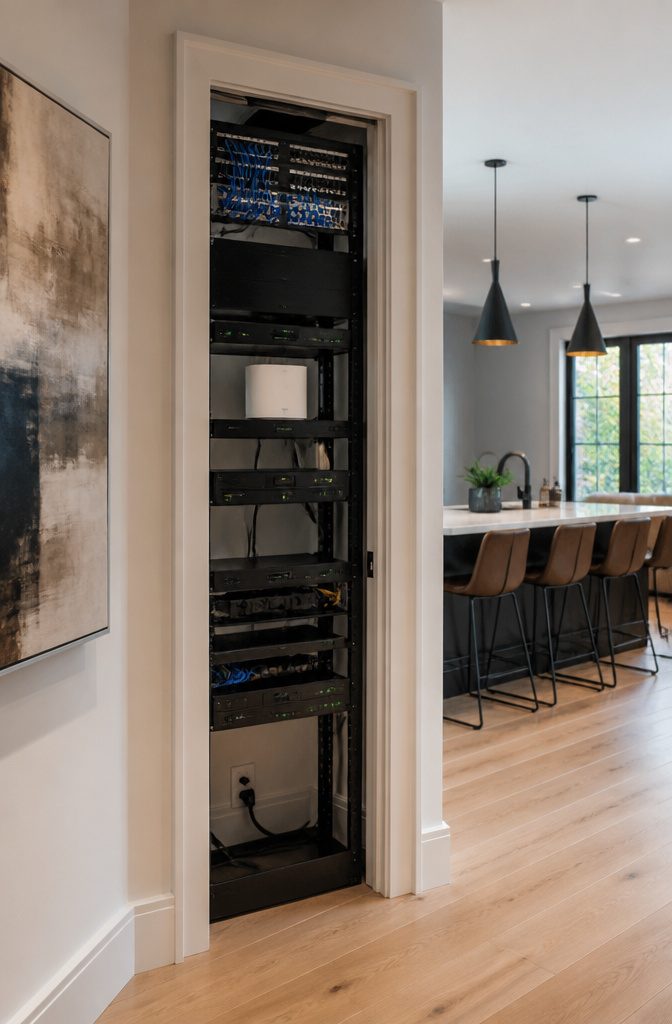
Devices connect through different protocols depending on what they need to do. Wi-Fi handles cameras, video doorbells, TVs, and appliances that stream video or move large amounts of data, since those need the bandwidth and power Wi-Fi provides.
Sensors, light switches, door locks, and thermostats use low-power protocols instead: Bluetooth LE, Zigbee, Z-Wave, or Thread. Those protocols keep battery-powered devices running for months or years on a single charge, which Wi-Fi cannot do.
Matter is a standard that sits on top of several of those protocols rather than replacing them.
A Matter device might use Wi-Fi, Thread, or Ethernet for communication once it is running, and Bluetooth LE during setup. The standard lets devices from different manufacturers work together without needing separate apps or hubs for each brand.
All of this depends on reliable network infrastructure. A router that drops connections or a Wi-Fi signal that does not reach the back bedroom breaks the automation you planned.
I check coverage before adding devices to a room, since a motion sensor that misses half its signals is worse than no sensor at all.
Control Systems and Hubs
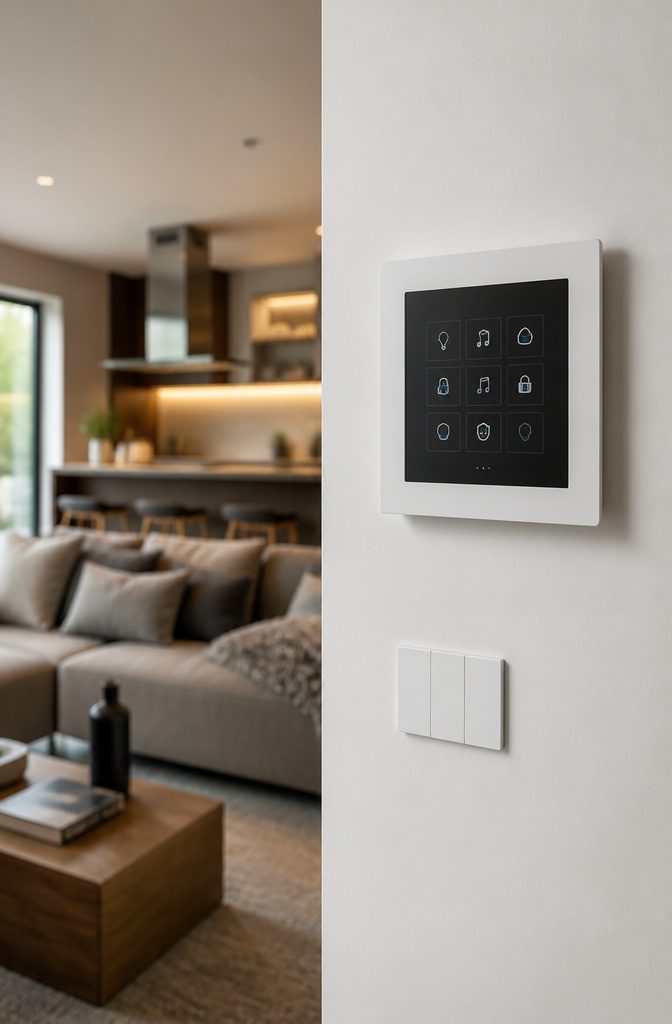
A centralized hub coordinates every device in the system and runs the automations that make separate components work as a single household.
Amazon Echo with Alexa, Google Nest with Assistant, and Apple HomePod with Siri each offer voice control and app-based management, while the platforms behind them—Amazon Alexa, Google Home, and Apple HomeKit—tie devices together across brands.
Without a hub, a motion sensor and a light switch stay isolated even when they sit in the same room.
The hub translates between protocols and processes sensor data in real time, so a temperature reading in one part of the house can trigger a fan somewhere else without you writing code.
I lean toward hubs that support multiple wireless standards at once, since mixing Zigbee sensors with Wi-Fi cameras is common and replacing everything to match one protocol costs more than the hub itself.
The EVVR Hub handles that kind of multi-protocol setup cleanly and integrates with voice assistants without requiring a separate bridge for each device type.
User Interfaces
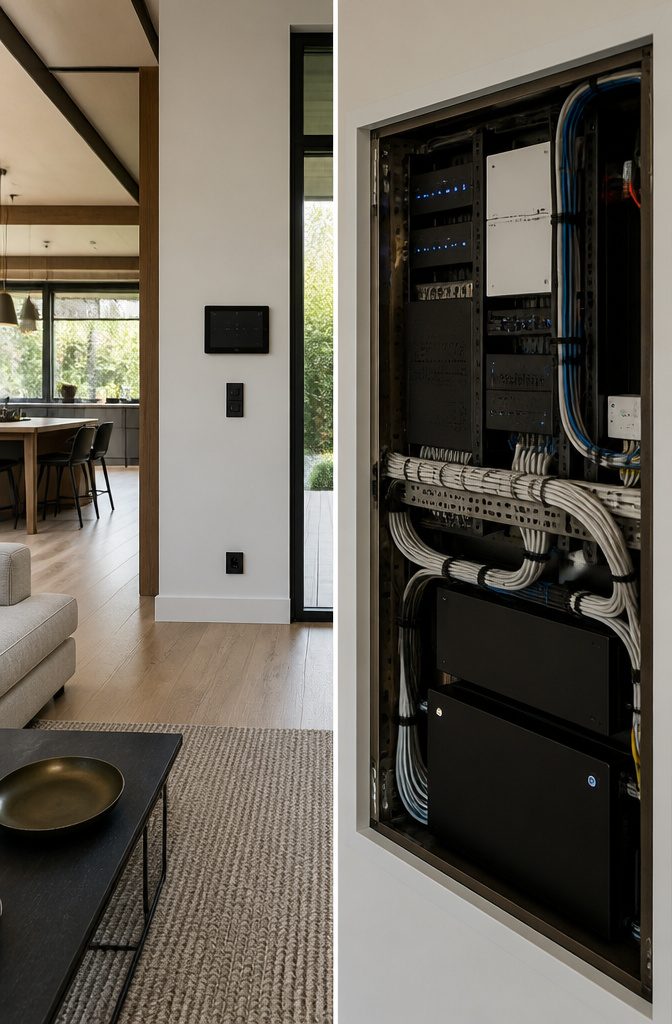
The way you actually talk to a smart home depends on who lives in it and which devices you already reach for.
Smartphone apps are the most common starting point, since most systems ship with one and most people already unlock their phone dozens of times a day.
You pull up the app to adjust a thermostat schedule, check a camera feed, or dim the lights without getting up.
Voice commands through smart speakers like Amazon Echo or Google Nest let you change settings hands-free, which matters when you’re cooking or carrying groceries.
Some appliances, like the Samsung Family Hub refrigerator, include their own touchscreens built into the device itself. Physical wall switches still work alongside all of this, and that redundancy matters more than people expect when planning a system.
The interface has to make sense to everyone in the household, not just the person who set it up.
If a guest or a child can’t figure out how to turn on a light without asking, the system is too complicated.
Software and Cloud Services
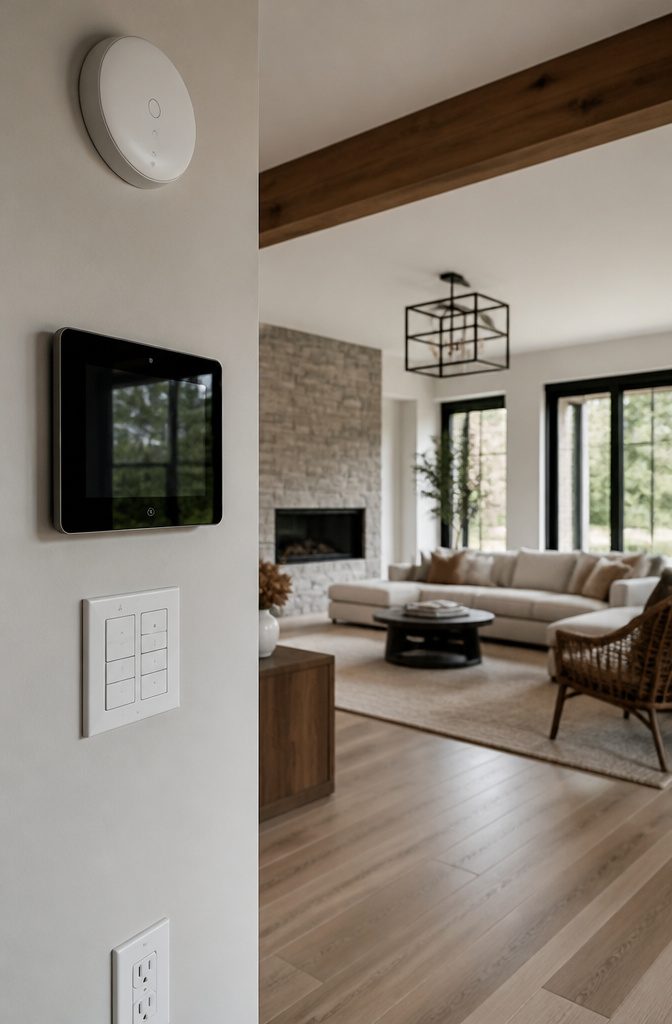
Three layers of software make the hardware function.
Applications — the interfaces residents tap on phones and screens — sit on top. Below them runs firmware, the code written into thermostats, cameras, and sensors that tells each device what to do.
Between the two, middleware translates commands across different protocols and brands so a tap on one app can instruct a device that speaks a different language.
Some processing happens locally on the device or hub itself. Motion detection, face recognition, and unlock commands benefit from edge processing because waiting for a cloud round-trip adds delay a resident will notice.
Other work — weather forecasting, voice parsing through language models, pattern learning across thousands of homes — happens in cloud servers like AWS, where the compute power and training data live.
Devices connect through Bluetooth Low Energy onboarding when you first set them up, then pull over-the-air firmware updates as manufacturers patch bugs or add features without requiring a service call.
Choosing Functions Around Your Household Needs
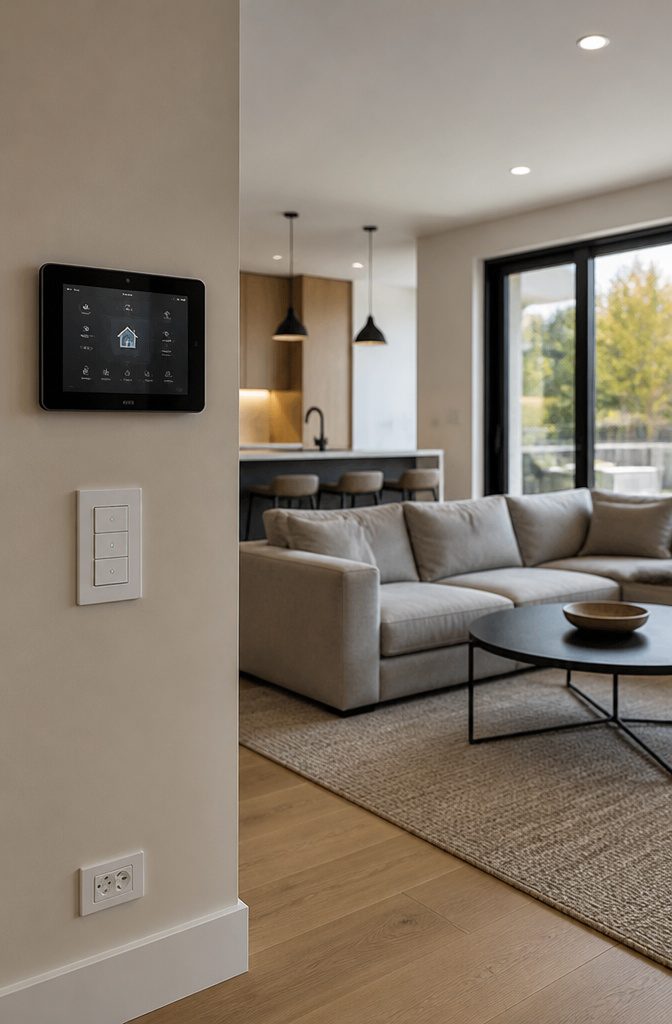
Start with what the home should do, then name the devices that do it. That approach keeps the system useful instead of turning into a collection of gadgets that don’t talk to each other or solve anything you actually face.
I think through the functions that matter in a household first: lighting scenes that shift from work mode to evening without touching five switches, climate adjustment by room or time of day, security monitoring with alerts when a door opens or motion trips a camera, appliance control so the coffee starts before you’re awake or the slow cooker turns off when you’re still at work.
Other functions show up depending on how the household runs.
Entertainment systems that route sound and video where you need them, energy tracking to see what pulls the most power, water management if a leak could ruin a floor, air quality sensors in homes with allergies or wildfire smoke risk, accessibility features for anyone with mobility challenges, and outdoor systems that handle lighting or irrigation.
Naming the need first tells you which devices actually belong in the plan.
Planning Device Compatibility and Automation
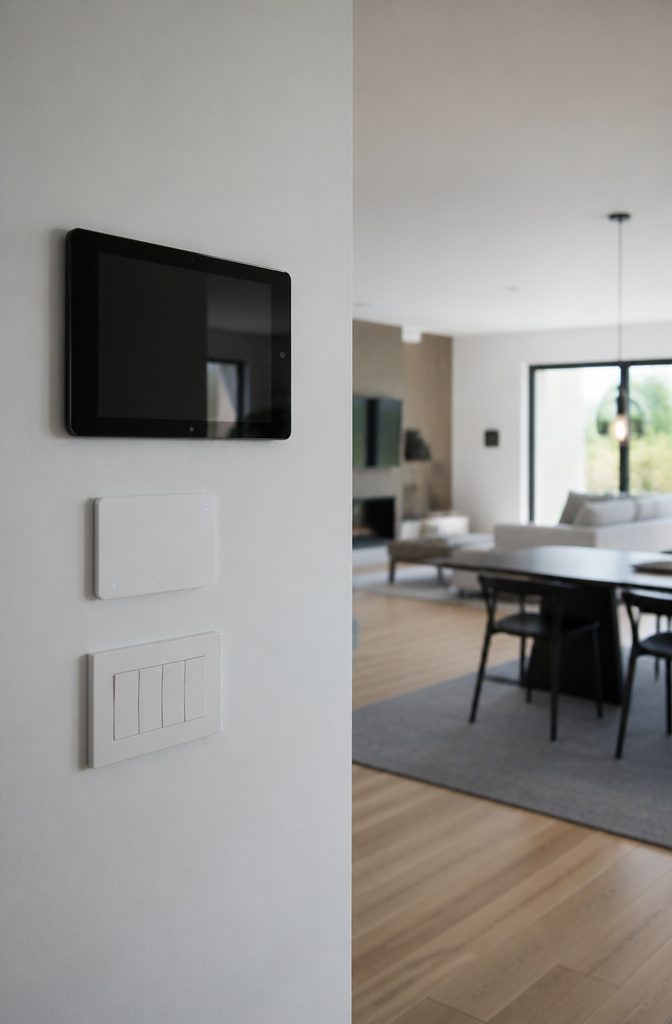
Making devices work together starts with shared standards like Matter or Zigbee, which let products from different brands talk to the same hub without needing separate apps for each one.
A hub that supports multiple protocols gives you more choices later without locking you into one manufacturer’s ecosystem. I plan around that from the start rather than realizing too late that a new device won’t connect.
Automation builds on triggers you set once and forget: motion after ten at night dims the hallway, occupancy sensors turn off lights in empty rooms, and schedules adjust the thermostat before anyone wakes.
Local automation runs on the hub itself, so routines keep working even when the internet drops. Cloud-dependent functions like voice commands through a remote server or app-based geofencing stop during outages, which matters if you rely on them daily.
Cross-brand compatibility decides how smoothly the system grows. Middleware platforms can bridge devices that don’t natively communicate, but adding that layer means one more point of failure and often a subscription.
Remote Control and Everyday Routines
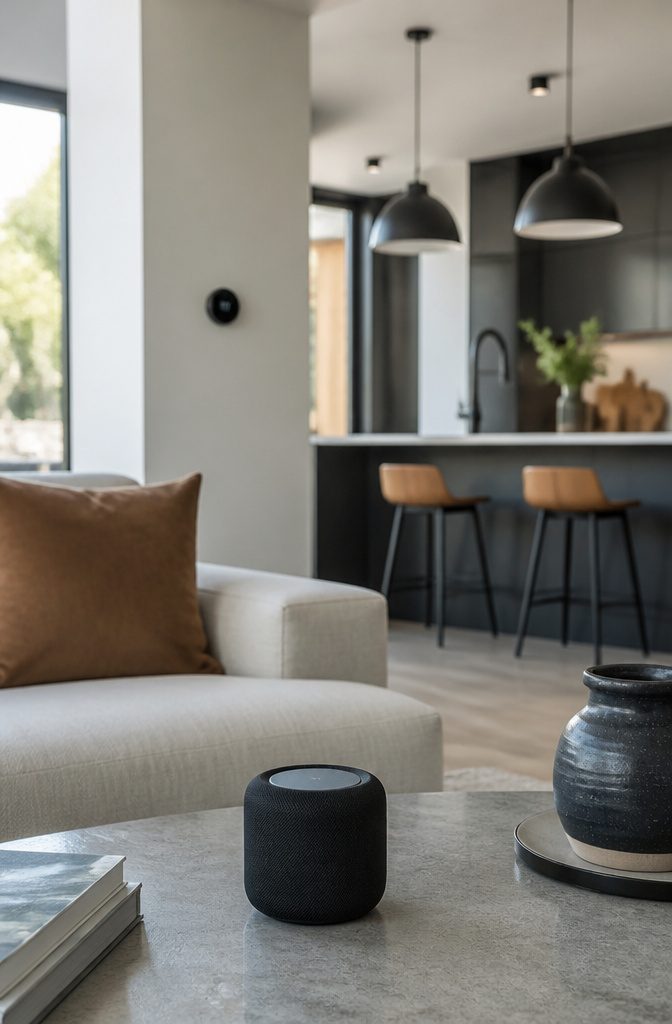
A phone in your hand lets you lock the front door from work, turn up the heat on the way home, or check the camera feed when a delivery arrives.
That immediate access is what most people mean when they say they want a smart home, and it is the reason control apps sit at the center of the design.
Every thermostat, lock, light switch, and sensor routes back to a phone screen that lets you adjust settings from anywhere with cell service or wifi.
Daily routines save more time than individual adjustments. A morning routine might turn on the bathroom lights, raise the bedroom blinds, and start the coffee maker with a single tap or at a set time.
An evening routine locks the doors, dims the lights, and drops the thermostat two degrees.
Nest and Ecobee thermostats detect when no one is home and adjust the temperature without prompting. Ring doorbells send alerts the moment they catch motion at the front step, whether you are upstairs or two states away.
Automation takes those routines further by tying actions to conditions instead of manual triggers. Lights come on when a motion sensor picks up movement in the hallway after dark.
The thermostat climbs to 68 degrees when the outdoor temperature drops below freezing. A camera starts recording if a door contact sensor opens while the system is armed.
Linking devices this way means fewer decisions to make and fewer things to remember, but it requires planning which sensors talk to which devices and what the house should do in response.
Energy Monitoring and Management
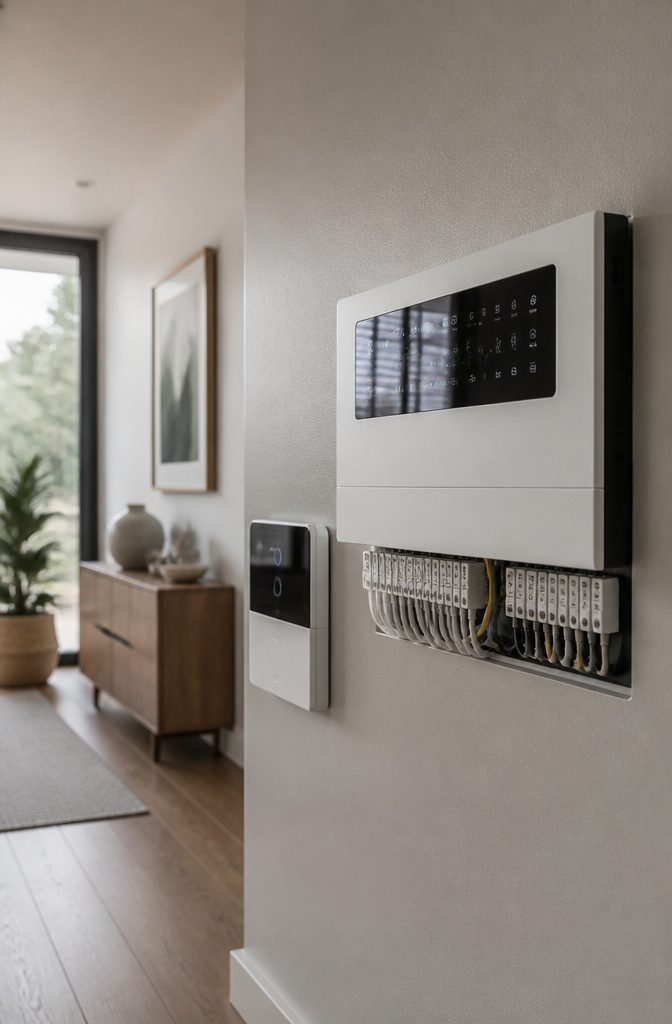
A smart thermostat cuts heating and cooling costs by learning when you’re home and adjusting temperatures automatically.
Nest and Ecobee both show energy use in daily, weekly, monthly, and yearly views, which makes it easier to spot patterns and see where the money actually goes.
The dashboards track not just the thermostat but also lighting and appliances when those are connected to the same system, so you can watch total consumption in one place rather than guessing at what runs up the bill.
Systems that tie into solar panels or time-of-use pricing can shift heavy loads to hours when electricity costs less or when your panels are producing.
Some platforms combine production data with weather forecasts to predict how much stored energy will be available, then schedule tasks around it.
Buildings with three-phase power can set a monthly consumption cap to avoid demand charges. The combination lowers bills and reduces overall energy use, which supports sustainability goals without requiring constant manual adjustments.
Privacy, Security, and Data Handling
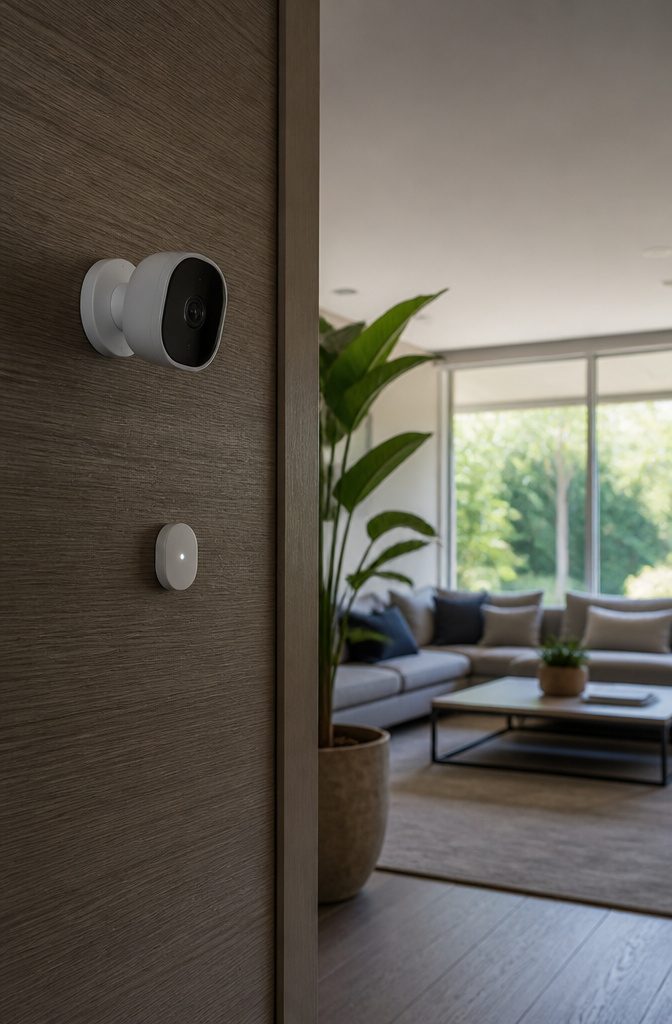
Connected devices collect data about when you are home, which rooms you use, what temperature you set, and in some cases audio or video from inside the house.
That information leaves the device, passes through your network, and often reaches a company’s cloud server where it can be stored, analyzed, or shared under terms you agreed to without reading.
Security needs to be part of the plan from the start, not something you add after the first breach scare.
I look for devices that support WPA3 encryption on the network side and that let me disable features I do not need, especially remote access and voice recording.
Each layer of the system has a different owner: the device firmware belongs to the manufacturer, the app to another company, the cloud service to a third, and any one of them can fail, get sold, or stop receiving updates.
During an internet outage, anything that depends on cloud processing stops working, so I keep critical functions local when I can.
A separate network for smart devices isolates them from computers and phones, which limits what an intruder can reach if one device gets compromised.
Building Smart Features Into New Construction
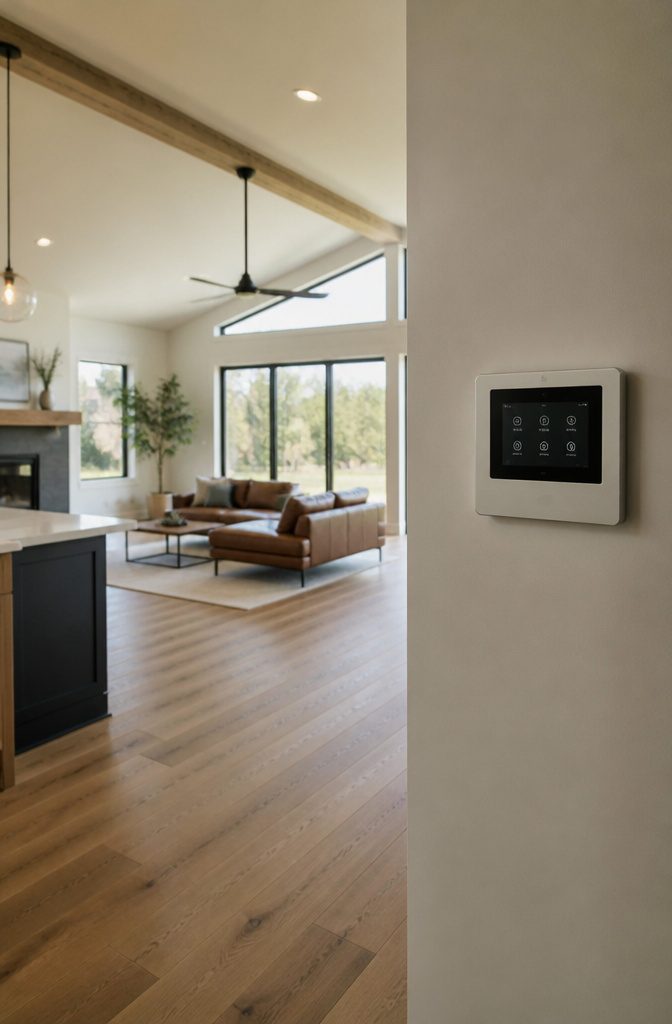
New construction gives you the cleanest path to a fully integrated smart home, because you can plan device locations and wiring before the walls close.
The timing matters most around heavy work: once concrete is poured for a foundation or a slab, running power or network lines becomes expensive or impossible.
I treat the design stage as the moment to map where cameras mount, where smart switches replace traditional ones, and where dedicated Ethernet drops should land for devices that need steady bandwidth like security hubs or media servers.
Device placement drives the wiring plan. A doorbell camera needs power at the front door; smart thermostats need C-wires at each zone; a central control panel needs both power and network access wherever you want it mounted.
Builders with decades of experience in custom smart homes typically walk the framing with you to confirm those locations before drywall goes up, because moving a wire afterward means opening a finished wall.
Network infrastructure decides how reliably everything talks to everything else. Wi-Fi handles light loads, but high-traffic devices like 4K cameras or whole-home audio benefit from wired Ethernet, and that means planning conduit runs and switch locations during framing.
The control system itself—the hub or server that ties sensors, lights, locks, and thermostats together—needs a spot with ventilation, power, and network access, and choosing that spot early keeps it out of a coat closet or basement corner where it becomes an afterthought.
Frequently Asked Questions
How does a smart home work?
Sensors and devices connect to a shared network and communicate through a hub or controller.
The sensors report conditions like motion, temperature, or door status, the hub processes that data and decides what to do, then sends commands to lights, locks, thermostats, or other devices.
You control the system through an app, voice assistant, or wall panel.
What is a smart home ecosystem?
A smart home ecosystem is the combination of devices, network protocols, software, and cloud services that let separate products work as one system.
Devices share data so a motion sensor’s reading can trigger a light switch, a thermostat can respond to outdoor weather, and you manage everything from a single interface instead of juggling separate apps.
What are 10 key features of a smart home?
The most common features are lighting control, climate management, security cameras and doorbells, door locks, motion and occupancy sensors, voice assistants, appliance control, energy monitoring, entertainment systems, and automated routines that tie those devices together.
The exact list depends on what the household needs, but those 10 cover the functions most people add first.
How do you make smart home devices from different brands work together?
Choose devices that support shared standards like Matter, Zigbee, or Z-Wave, then connect them to a hub that speaks multiple protocols.
The hub translates between brands so a sensor from one manufacturer can trigger a switch from another. Without that shared layer, devices stay isolated in separate apps and the automation breaks down.
What steps are necessary in developing a smart home?
Start by defining the functions you need, like lighting scenes, climate control by room, or security alerts.
Map those functions to specific devices, choose connectivity standards and whether processing happens locally or in the cloud, then plan network infrastructure and security layers.
Install a small core system first, test it, and expand from there rather than trying to automate everything at once.
How is AI used in a smart home?
AI learns your daily routines and adjusts settings without manual input, like a thermostat that drops the temperature when it knows you’ve left for work.
It also powers voice recognition for natural-language commands, detects unusual activity in camera feeds, and forecasts energy use based on weather and past behavior.
What smart home features should I consider when building my new home?
Plan for a central control system, network wiring to high-traffic device locations, lighting and climate controls in every zone, security cameras and smart locks at entry points, voice assistant placement, entertainment and appliance integration, motorized shades, water and air quality sensors, energy monitoring, and outdoor systems for irrigation or landscape lighting.
New construction is the easiest time to run wiring and place devices before walls close, so decide locations during framing.